01
Pick your moment.
Choose a JPG or PNG from your phone. Selecting a photo keeps it on your device until you tap Process photo.
YOUR CAMERA ROLL, YOUR CALL photoguard.Meet the app
Some moments are worth a little extra thought. Make subtle changes to your photos, keep the look, and choose what you share.
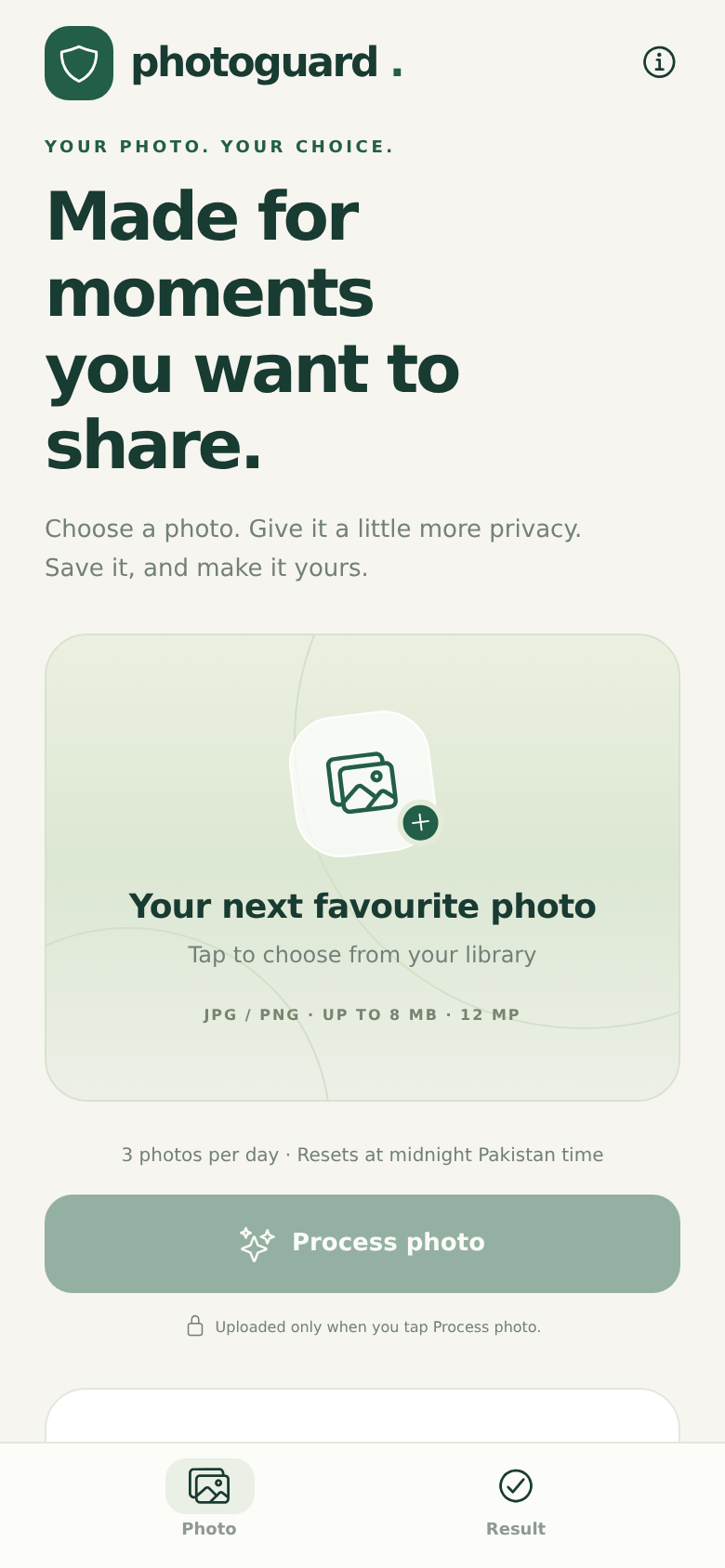
A small step between your camera roll and the world.
No setup to figure out. No account to create.
Just a moment to make the photo your own.
Choose a JPG or PNG from your phone. Selecting a photo keeps it on your device until you tap Process photo.
YOUR CAMERA ROLL, YOUR CALLTap Process photo. PhotoGuard makes small pixel changes while keeping your image close to its original appearance.
A LITTLE PATIENCE. A LIGHT TOUCH.Compare the original and result. Save your PNG through your phone’s share menu, then use it wherever you choose.
THE FINAL SAY IS ALWAYS YOURSYou should know what happens after you tap a button. Here’s how PhotoGuard handles the essentials.
Read our privacy policyA few things you might be wondering.
PhotoGuard aims for subtle changes. Results vary by photo, so you can compare the original and processed version before deciding what to save.
No. The app can process and return a modified image, but protection against AI recognition, editing or deepfakes has not been independently verified. We don’t promise that an image is “AI-proof.”
Choose a JPEG or PNG up to 8 MB and 12 megapixels. Only use images you own or have permission to process. The result is returned as a PNG.
It may take a few minutes, depending on the image and availability. Keep the app open and connected. If processing is unavailable, you’ll see a message instead of a result.
No account is required and no photo history is saved on the server. Temporary data is used to process your image, and the app temporarily caches the result so you can save or share it. Abruptly closing the app can leave cache files until the operating system clears them.
The Android app has been tested privately. The Google Play release is being prepared. When the listing is available, we’ll add the official link here.
PhotoGuard for Android. A simpler way to choose,
process and save the moments you share.